
Most OnBase Unity Client problems aren’t Unity Client problems. The failure shows at the desktop — but the cause is almost always a server, a database, or a disk group behind it.— The Reveille Perspective
If you’re here because the Unity Client won’t launch, is crawling on login, or keeps crashing, jump to the quick answers and the symptom-to-cause table below — they cover the failures OnBase administrators search for most. The pattern behind all of them is one blind spot: the Unity Client experience is measured by no one until a person complains.
The one thing to remember
The OnBase Application Server can report perfectly healthy while every Unity Client login takes twenty seconds. Platform “up” is not the same as client “working” — read the symptom back to its layer.
Quick answers
Why won’t the OnBase Unity Client launch?
Why is the OnBase Unity Client so slow to log in?
Why does the OnBase Unity Client keep crashing or freezing?
How do you monitor OnBase Unity Client health?
01 — Start Here
Symptom → Likely Cause → What to Check
The Unity Client failures admins search for most, and where each one actually lives.
| Symptom | Likely cause (layer) | Check first | Caught first by a monitor |
|---|---|---|---|
| Won’t launch / hangs on splash | Local client cache · App Server unreachable | Clear client cache; confirm App Server URL responds; check app server service | App Server connectivity check |
| Slow login | App Server threads · SQL Server · AD / LDAP | Thread-pool use; SQL deadlocks / blocked txns; directory latency | Timed Login transaction crosses threshold |
| Crashing / freezing | Local cache · .NET / memory · one bad doc or queue | Reproduce the trigger step; clear cache; read App Server logs | Retrieve / Import error rate rises |
| Inbox empty / lifecycles won’t load | OnBase Workflow config · App Server | Retrieve Lifecycles & Queue Names; app server service | Retrieve Lifecycles / Queues check fails |
| “An error occurred opening the document” | Disk Groups · file server · document lock | Disk Group access; file server; check for a lock | Disk Group + Retrieve Document checks |
| Retrieve slow or times out | SQL query perf · Disk Groups · doc volume | SQL blocked txns; disk group locks; index coverage | Timed Retrieve transaction trends up |
| Scanner not detected in the client | Client-side TWAIN / ISIS · scan license | Scan driver install; scan license & queue assignment | Endpoint-scoped (genuinely client-local) |
02 — Why
It’s Almost Never the Client
One login is the sum of four servers.
The Unity Client is a thin front end to a deep stack. A single login travels from the client to the OnBase Application Server, to SQL Server, to Disk Groups on a file server — sometimes through OnBase Workflow and Autofill Keyword Sets on the way. Any hop can add seconds; the client just renders the total.
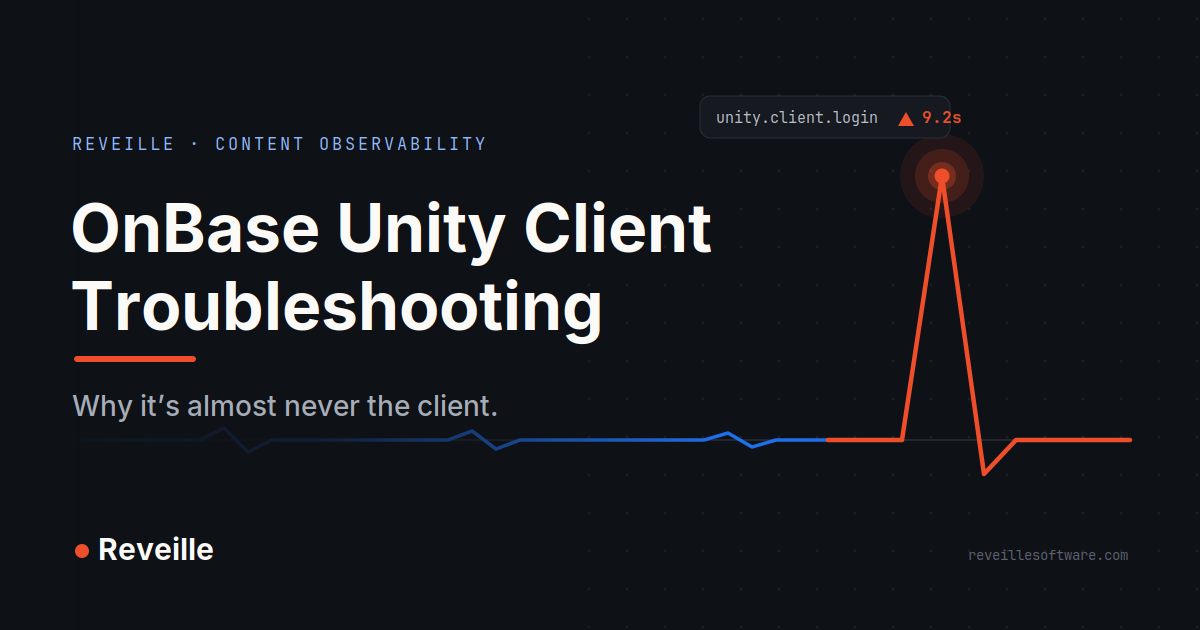
So a “nine-second login” is usually three healthy-looking servers and one slow one: a saturated thread pool, a blocked SQL transaction, a lagging domain controller. Reinstalling the client won’t move that number by a millisecond. Finding the slow hop will.
03 — The Fix That Sticks
Stop Finding Out From Your Users
Measure the client the way a user does — continuously.
The durable fix isn’t a faster reinstall; it’s watching the whole path so you catch a degrading client before anyone files a ticket. That’s Content Observability — continuous visibility and assurance for the content workflows your business runs on — applied to the one interface your users actually touch.
Reveille for Hyland OnBase does exactly this, agentlessly. It runs the Unity Client’s real transactions — login, retrieve, import, delete, purge, pull lifecycles and queues, logout — as timed checks against every Application Server, with AI/ML thresholds so a normal Monday peak doesn’t page you but a real regression does. When something drifts, you learn which transaction and which server first — and Reveille can self-heal or push the signal into Splunk and ServiceNow, so most issues never reach the help desk.
Reveille for Hyland OnBase
Agentless Content Observability for OnBase — Unity Client transactions timed on every Application Server, AI/ML thresholds, real user analytics, and self-healing before the ticket queue. See Reveille for Hyland OnBase →
Your users will always tell you when the Unity Client breaks. The only question is whether they’re the first to know — or you are.
Supporting client estates as an MSP, SI, or ISV? That’s what Reveille SENTRY is built for — multi-tenant observability for the estates you manage.