Add a Corporate Key and License Code
If you need to add your Corporate Key and License Code, complete the following steps:
- Access the Admin Console, and select Help > About. The Reveille Software Admin Console window appears.
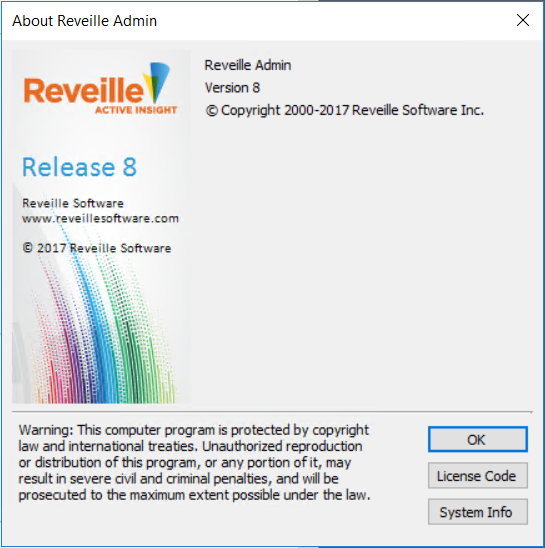
- Click License Code. The License window appears.
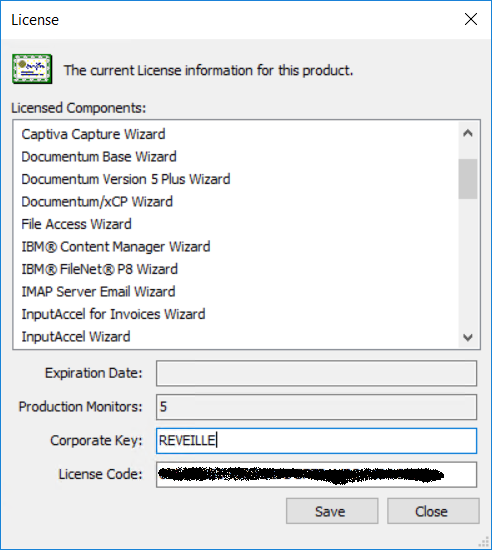
- Enter your Corporate Key and License Code obtained from Reveille Software Technical Support, and click Save.
TipIt is recommended that you cut and paste the Corporate Key and License Code from the Reveille Software license code e-mail.
Was this helpful?
Please tell us why:
Thank you.